
How the Garfield County Court Calendar Works
Utah Courts runs the official court calendar route for both District and Justice Court settings. It shows scheduled activity for a two-week window, refreshed daily. Each row can carry the court or location and the parties. It can also show the case number, the assigned judge, the hearing type, and the date. The live interface controls, along with its displayed update time.
Remember that a calendar is just an event list. It is not the full Garfield County docket. It leaves out the filing history, the orders, and any confidential attachments. A hearing listed there is not proof the hearing happened. After the date passes, check Xchange for a continuance, a minute entry, or a new setting. The Utah Courts source remains the official entry point and current interface.
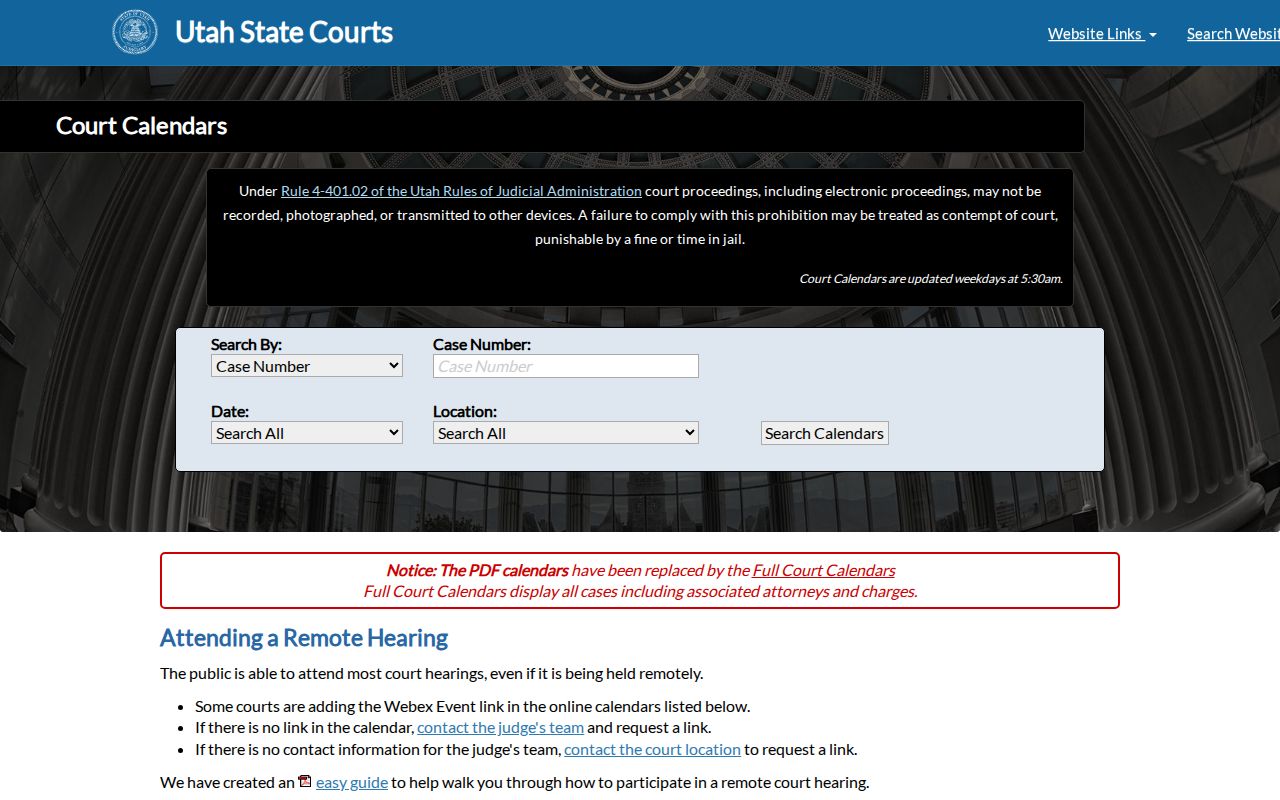
This is the state calendar entry point for researching Garfield County District and Justice Court dates.
Garfield County Calendar Search Controls
Pick the court before you pick a date. Felony, general civil, domestic, and probate settings in Garfield County usually sit with Sixth District Court. Lower misdemeanors, infractions, traffic matters, ordinances, and small claims usually land in Garfield County Justice Court or Panguitch City Justice Court instead.
| Choice | Use it for | Check on the result |
|---|---|---|
| District Court | Felony and general-jurisdiction settings | Garfield County or Panguitch location |
| Justice Court | Traffic, lower misdemeanor, ordinance, small claims | County versus Panguitch City court |
| Date | The expected setting window | Displayed update time |
| Case identifier | Distinguish similar names | Court, number, and hearing type |
The Utah court resources page keeps the calendar within the official self-help route.
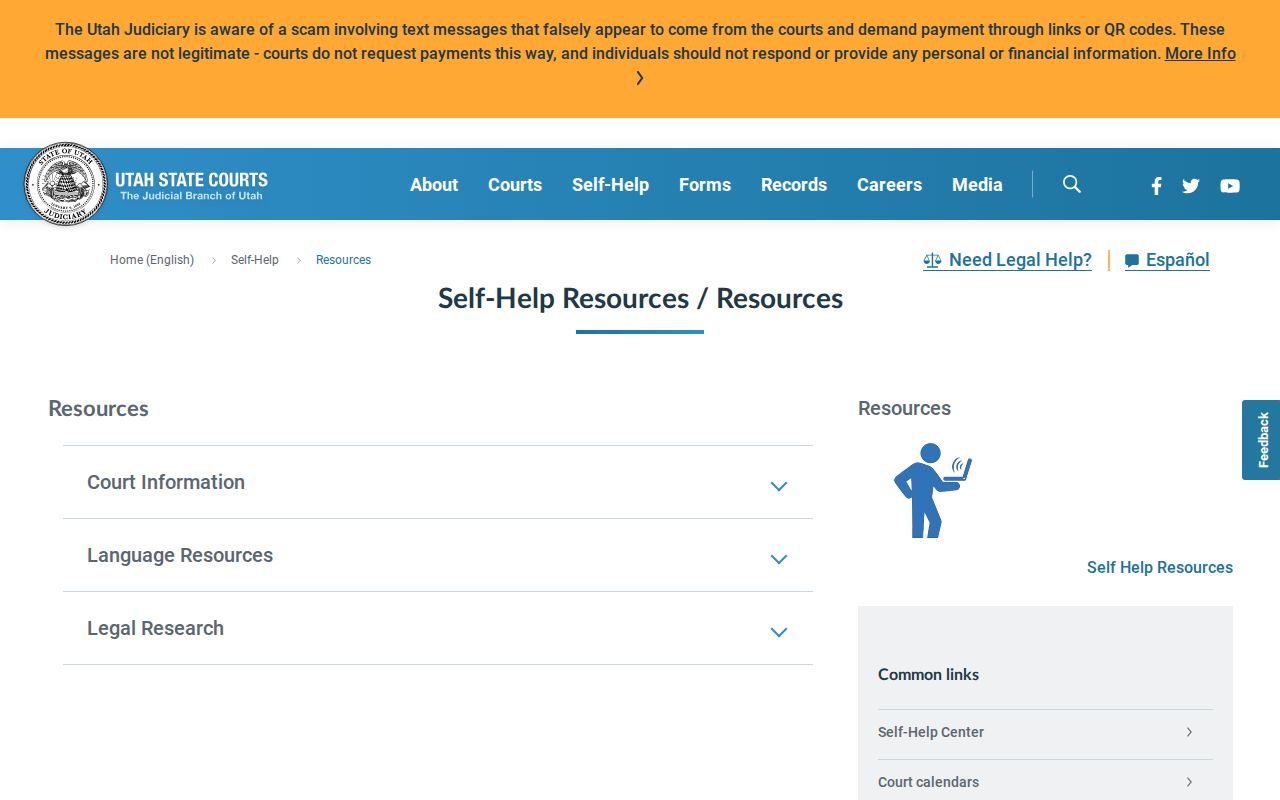
Stick with the official resource, since an unofficial mirror may carry a stale Garfield County schedule.
Garfield County Court Date Lookups
When an appearance matters, use every channel you have. The written notice comes first for many people, the public calendar gives the current event listing, and Xchange holds the case history.
- Read the notice for the court, case number, date, time, and setting type.
- Open the official Utah calendar and choose District or Justice Court and the Garfield County or Panguitch location.
- Match the court, case number, judge, hearing type, and date. Do not rely only on a party name.
- Open Xchange to check for a later reset, order, or case-history entry.
- Call the right clerk when the notice and online sources differ. District Court is 435-676-1104; Justice Court is 435-676-1115.
- Visit the clerk counter or a courthouse terminal when a remote check does not resolve the setting.
The courthouse may keep printed daily information, but call before you travel. A clerk can confirm the record and walk you through procedure, though no clerk can predict a result or hand out legal advice.
Separate Garfield County Calendar Desks
District and Justice calendars point to the same Garfield County Courthouse at 55 South Main Street in Panguitch, yet the dockets and clerks stay separate. Jennifer Miller is listed as the Sixth District deputy court clerk. For Garfield County Justice Court and Panguitch City Justice Court, the listed clerk is Seirra Julander.
| Calendar | Clerk line | Listed office hours |
|---|---|---|
| Sixth District Court | 435-676-1104 | Monday-Friday, 9 a.m.-noon and 1-5 p.m. |
| County and Panguitch Justice Courts | 435-676-1115 | Monday-Friday, 8 a.m.-noon and 1-5 p.m. |
Both desks list PO Box 77, Panguitch, Utah 84759, and both close on holidays. Check hours on the Garfield County Courts page before you go in person.
Court Settings: What Each Field Means
Read a Garfield County setting as a set of fields that work together. One field alone can mislead you. A right date tied to the wrong court or case number is not your event. Remote information also attaches to that specific row. It does not attach to every hearing in front of the same judge.
| Date and time | When the event is scheduled, subject to later court action |
|---|---|
| Court and location | District, County Justice, or Panguitch City Justice Court |
| Judge | The judicial officer assigned on the calendar at that update |
| Setting type | Arraignment, motion, conference, trial, sentencing, review, or another event |
| Case number | The best link between the row, notice, and case history |
| Remote detail | A case- and date-specific WebEx link where public access is offered |
Save the update time shown on the row. If the setting changes later, that timestamp explains which version you saw.
Garfield County Court Setting Terms
Calendar wording tells you what was planned or what moved. The case history remains the stronger record of what the court actually did.
- Continued
- The court moved the proceeding to a later time or date.
- Reset
- A new setting replaced an earlier one.
- Vacated
- The listed setting was taken off the calendar.
- Off-calendar
- The event will not proceed on the listed calendar slot.
- Disposed
- The case or charge received a recorded outcome, though later enforcement or appeal events may follow.
"Continued" is not a dismissal, and "vacated" describes the setting rather than the whole case. A disposition can settle the core dispute while later docket events still record sentencing, payment, satisfaction, or an appeal.
When a Court Date Moves
A judge can continue a setting, reset it, vacate it, replace it with an order, or move it because of court operations. The paper notice you received may be outdated once the online calendar changes. Xchange may then show a continuance or later setting inside the case history.
Never just pick the date you prefer when sources clash. Call the clerk on the morning of a time-sensitive appearance with the court name, case number, written notice, and both dates in hand. Bring the notice if you appear in person. Any dispute over required attendance belongs with a lawyer.
Verification flow: Notice › Current Calendar › Case History › Clerk Confirmation
That sequence keeps every source in its lane. The notice tells you what was sent, the calendar shows the current public schedule, and the docket records later action. The clerk can confirm the official procedural status.
Garfield County WebEx Hearings
Garfield County says all hearings except trials can be attended through WebEx, and some calendar rows carry the link. Remote attendance is not automatic for every event. A trial falls outside the county's broad statement. The Utah remote-hearing guidance supplies the statewide access instructions.
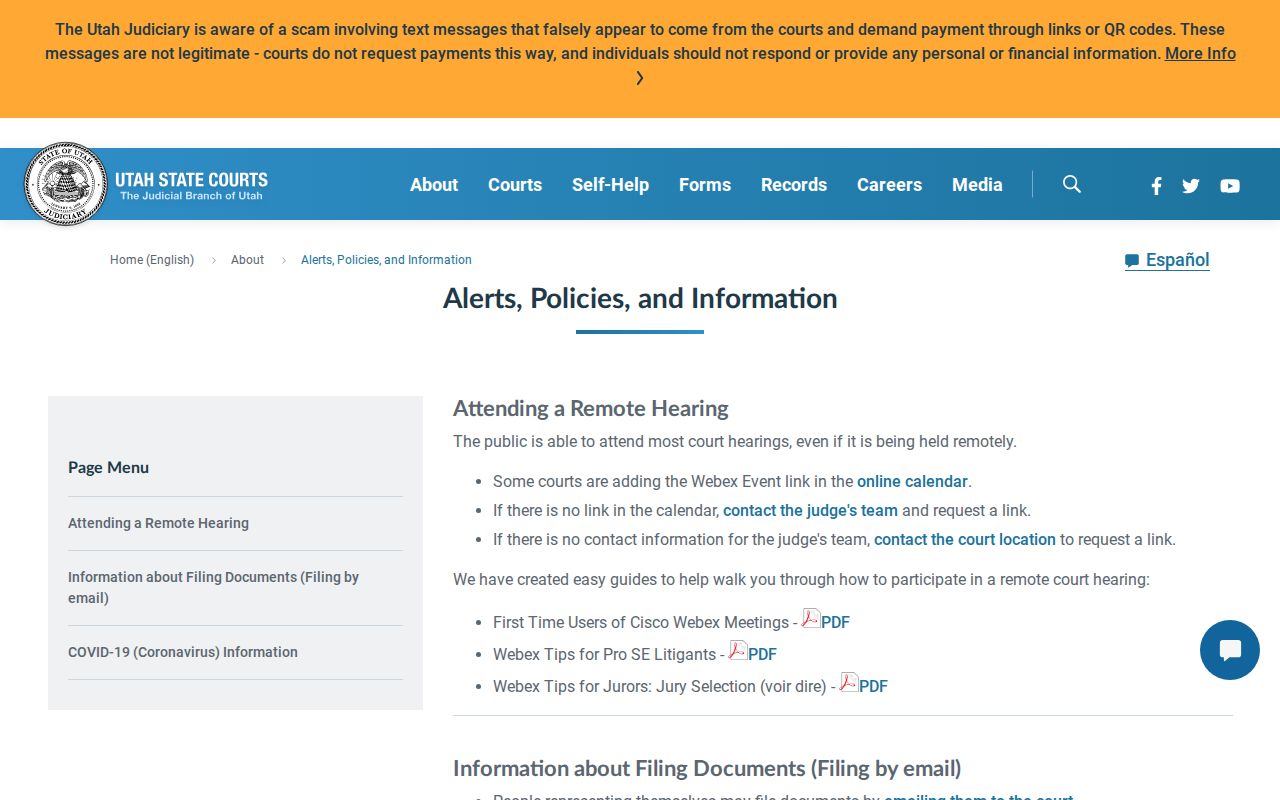
The guidance supports one simple rule. Use only the WebEx link tied to the correct public event. If no link appears, contact the judge team or the Garfield County clerk instead of borrowing a link from another date.
Remote link missing: A MyCase account is not required merely to attend a remote public hearing, but access still depends on the court's instructions.
One Garfield County Courtroom
Garfield County's 1998 General Plan described a single District Court courtroom in the courthouse, with Justice Court using that same room once or twice a week. That history explains why a shared space does not mean a shared docket. Current assignments and access should come from current court sources. The Justice Court overview shows the case level behind many local calendar settings.
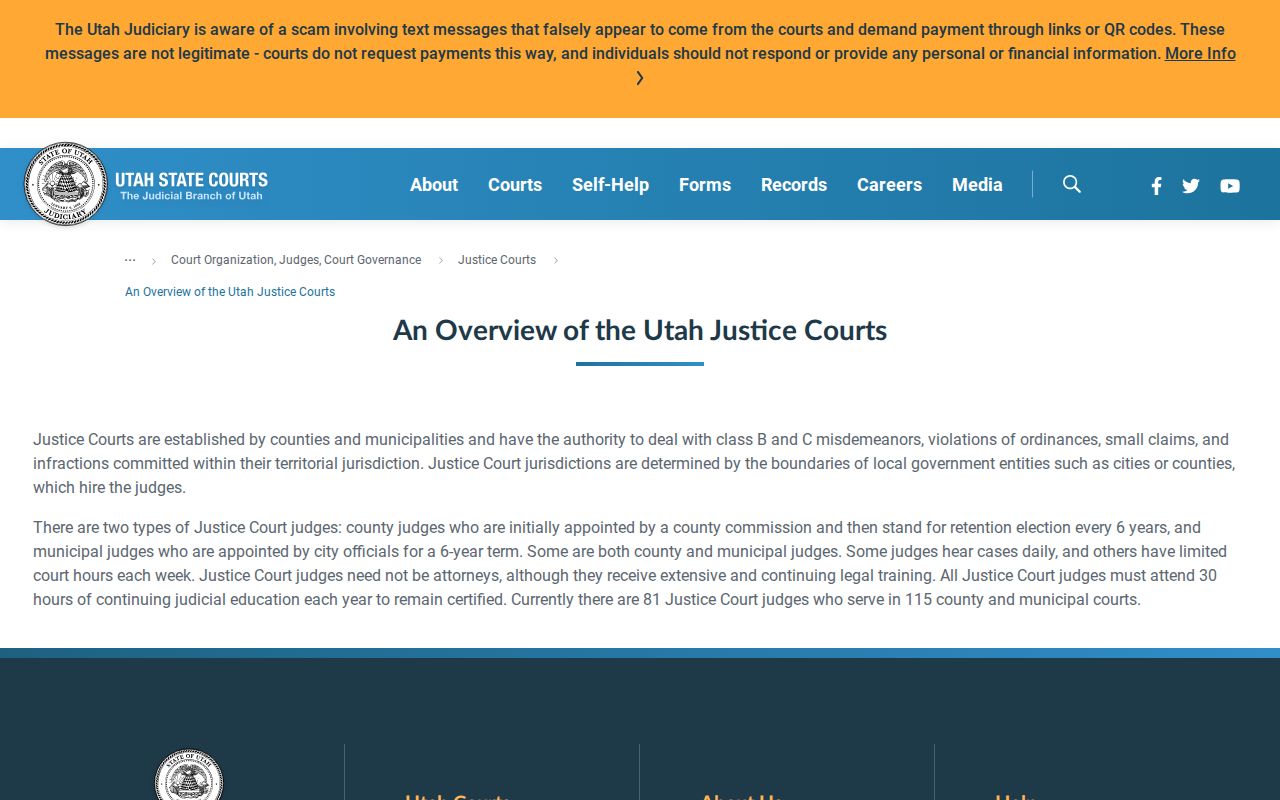
Traffic and lower misdemeanor settings can share a building with District Court work while staying on a Justice Court calendar run by its own clerk.
Garfield County Public Hearings
Many Garfield County court hearings are open to anyone. You can attend in the courtroom or through an approved remote option. Some settings stay off limits, though. Juvenile matters, sealed files, protected domestic cases, and victim-sensitive proceedings may be closed entirely or in part. Anything a judge has restricted can be closed too. Privacy rules still apply even when a hearing sits on the public calendar.
A public row on the docket does not open every paper in the case. Utah CJA Rule 4-202.02 sorts court records into public, private, protected, and sealed categories. When a public setting points to a restricted file, ask the clerk how access works. One more caution: do not repost a remote link or personal party details pulled from a calendar. Keep only what you need. Identify the public Garfield County court date and confirm it.
Missed Settings and What Comes Next
Missed a Garfield County court date? Move fast. Pull the case history and look for a failure-to-appear entry, a warrant, a continuance, a disposition, or a new setting. Then call the clerk of the court named on your notice and ask what the docket shows and what step is listed next. Be aware of the limits here. The clerk can read the record to you but cannot undo the missed hearing or hand out legal advice.
Do not wait for the next calendar update. A missed criminal or traffic setting can carry urgent consequences. Contact the court and seek legal advice when liberty, a license, family rights, or financial rights may be affected.
Traffic tickets run on their own clock. The deadline to respond to a citation can pass before any later hearing shows up on the docket. Utah guidance ties a failure to pay or appear to warrant and license-suspension consequences. Checking the current Garfield County court schedule helps you stay on top of dates, but it is no fix for a deadline already blown.